
Broadcast
iRacing like
television.
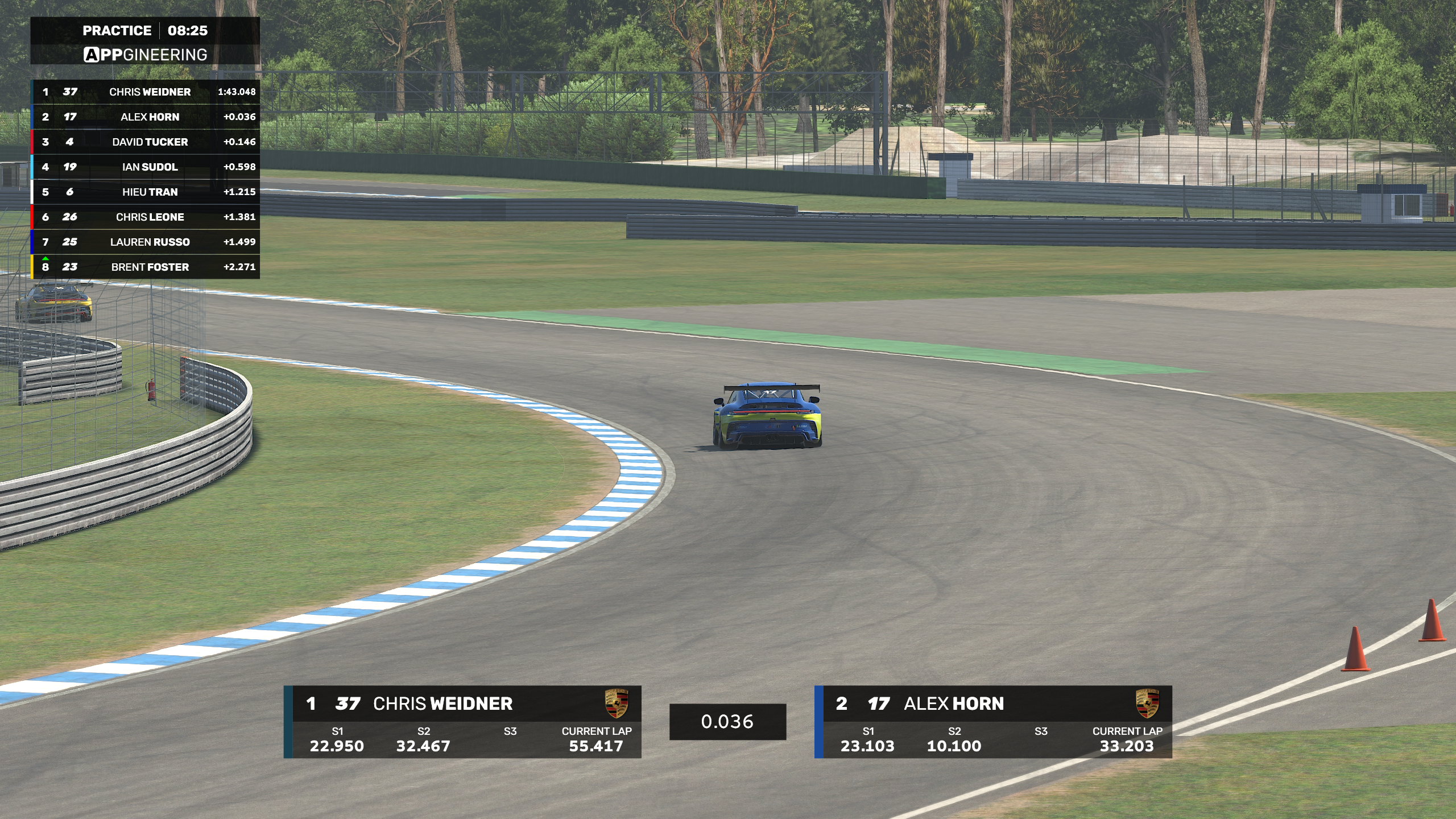
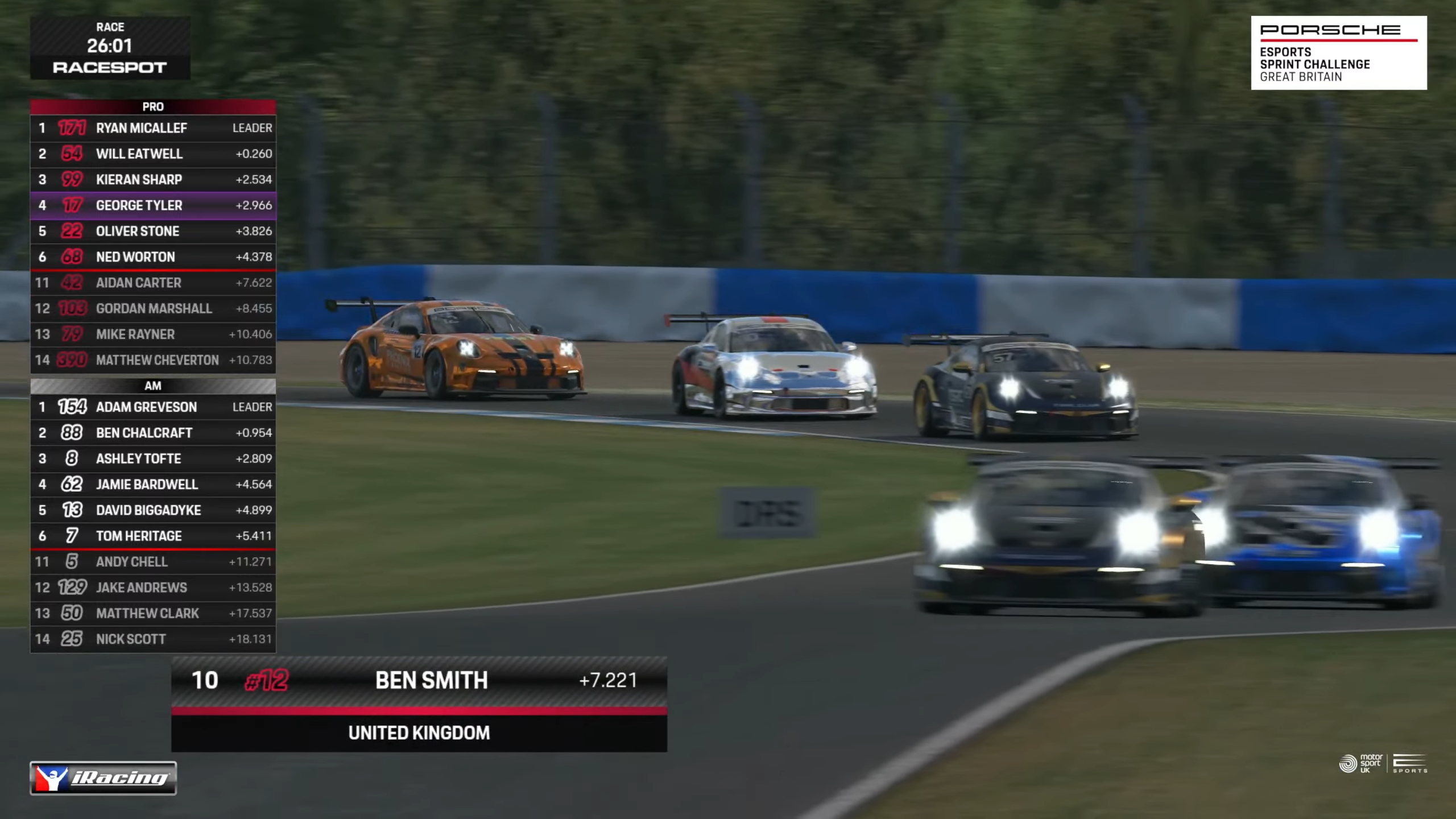
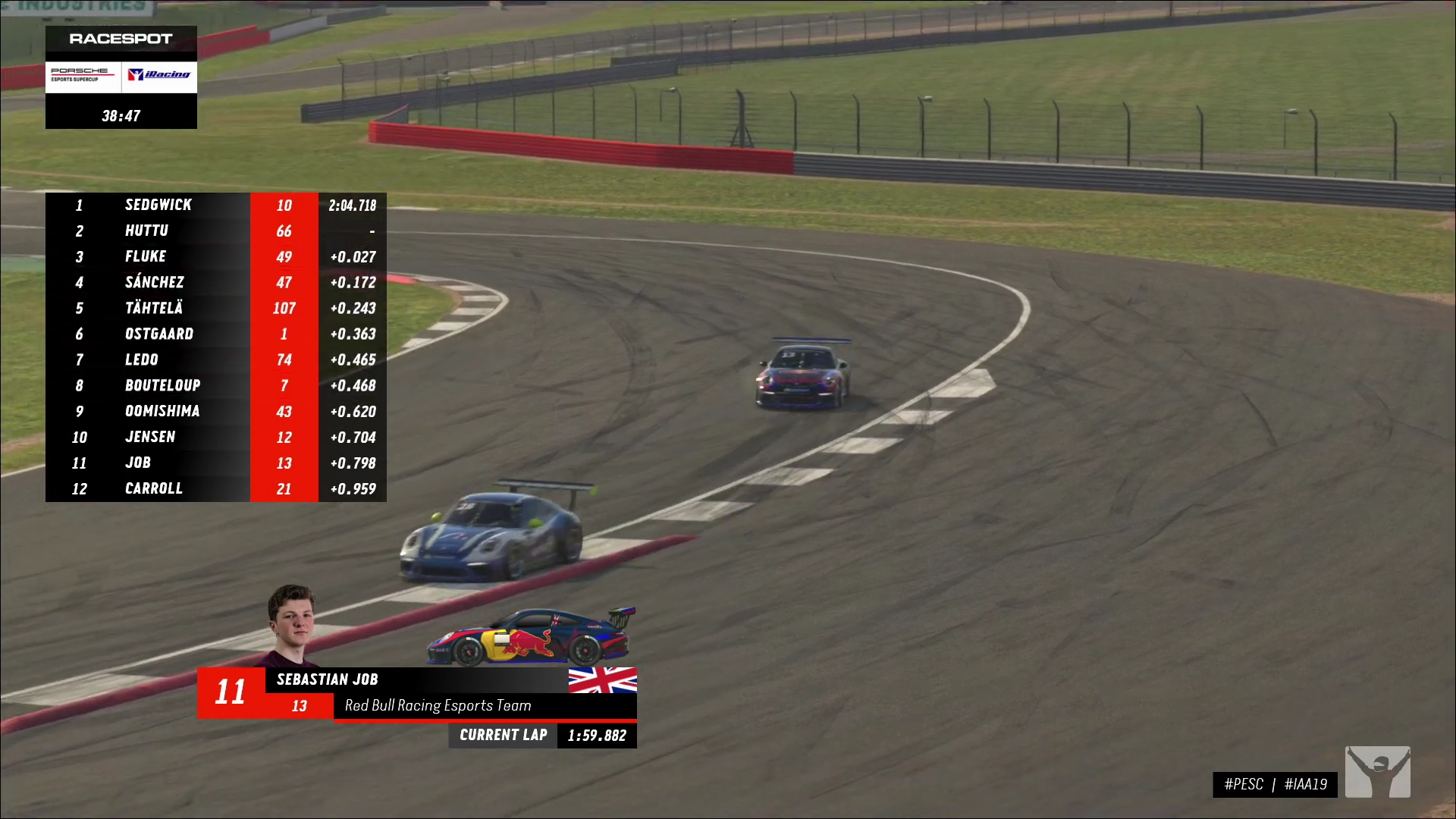
ATVO is the broadcast overlay system for iRacing, used by iRacing, RaceSpot, SimSpeed, W Series, ADAC, and others. Reads live telemetry from the iRacing SDK, renders professional graphics, and ships with a theme editor for building your own overlays.


Everything in the broadcast stack. Built exclusively for iRacing.
Broadcast overlays
Drop-in production graphics for iRacing — timing tower, leaderboard, sector splits, head-to-head, pit, weather, and more. Reads live telemetry directly from the iRacing SDK.
ATVO Theme 2023
The flagship theme is no longer bundled with the installer. The Appgineering Launcher downloads it on demand and you can preview it inside ATVO. Subscribe inside ATVO (from €5.95) to remove the watermark and use it on air.
Live Timing
Cloud-hosted live standings for your viewers at timing.appgineering.com. Configured through ATVO. Available from €3.99 — replaces the legacy Web Timing.
NDI and window capture output
Send graphics to OBS via the NDI plugin, or use window capture. NDI is the recommended path for production use. Browser source capture is not supported.
Race director tools
Control widget visibility, trigger scene changes, and manage hotkeys from the ATVO controls screen. Supports multi-PC setups via the Data Tunnel for dedicated graphics machines.
Theme Editor
Compose your own overlays visually. Bind any iRacing data field to any element using the widget and data-binding system, then export to a self-contained theme package.
From install to on-air in under five minutes.
Install ATVO via the Launcher
Free download for Windows 10 or 11. Grab the Appgineering Launcher, run it, and pick ATVO from the available apps to install. The Launcher keeps every installed app up to date.
Pick a theme or build your own
ATVO Theme 2023 is no longer bundled with ATVO. Use the Appgineering Launcher to download it, then preview it inside ATVO. Subscribe inside ATVO to remove the watermark. Or open the Theme Editor and design overlays from a blank canvas.
Output to your stream
Use NDI (via the OBS NDI plugin) or window capture to bring ATVO graphics into OBS or any NDI-capable software. Multi-PC setups are supported via the Data Tunnel.
Output via NDI or window capture.

One flagship theme. Plus everything we've built for customers.
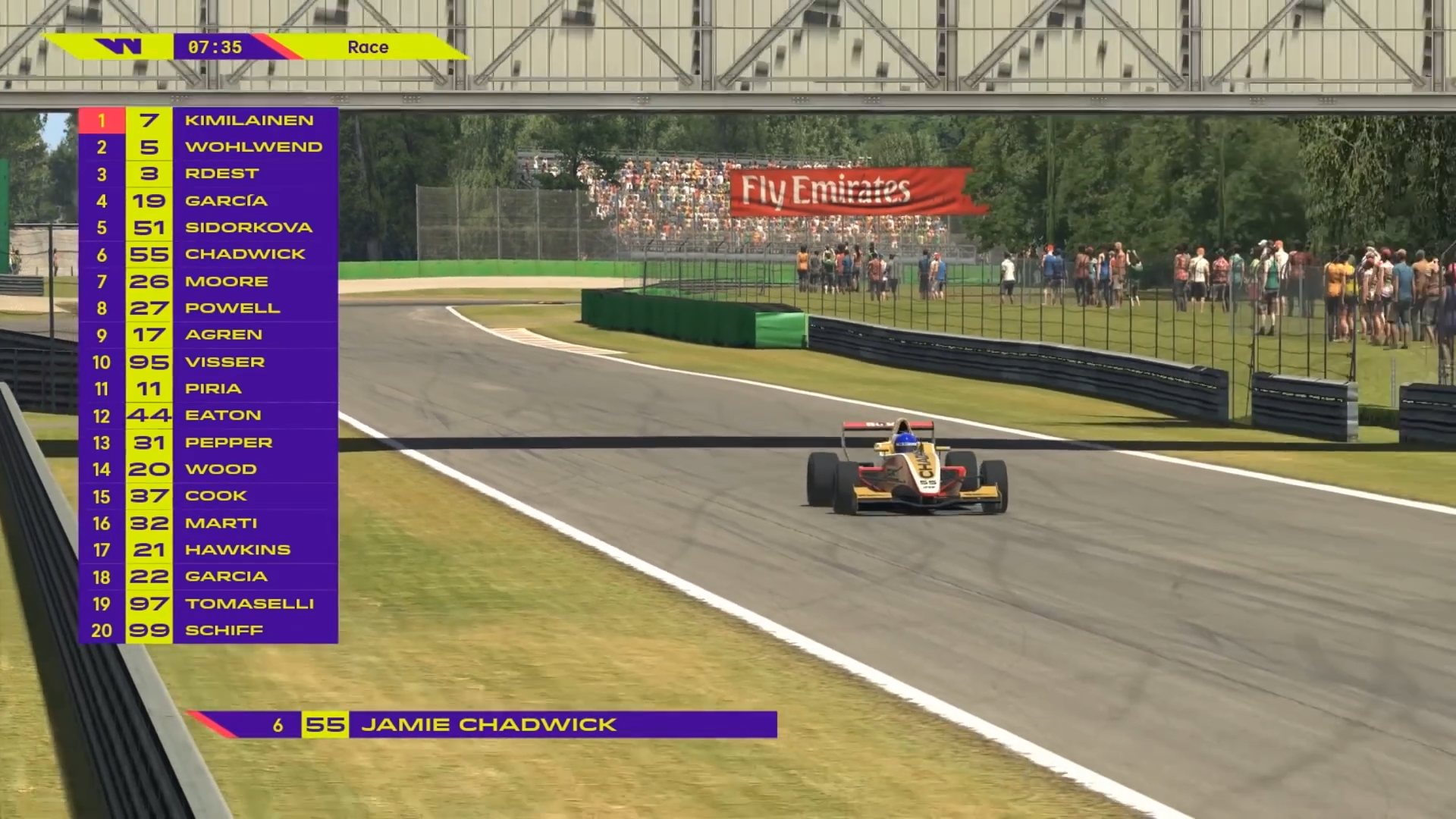
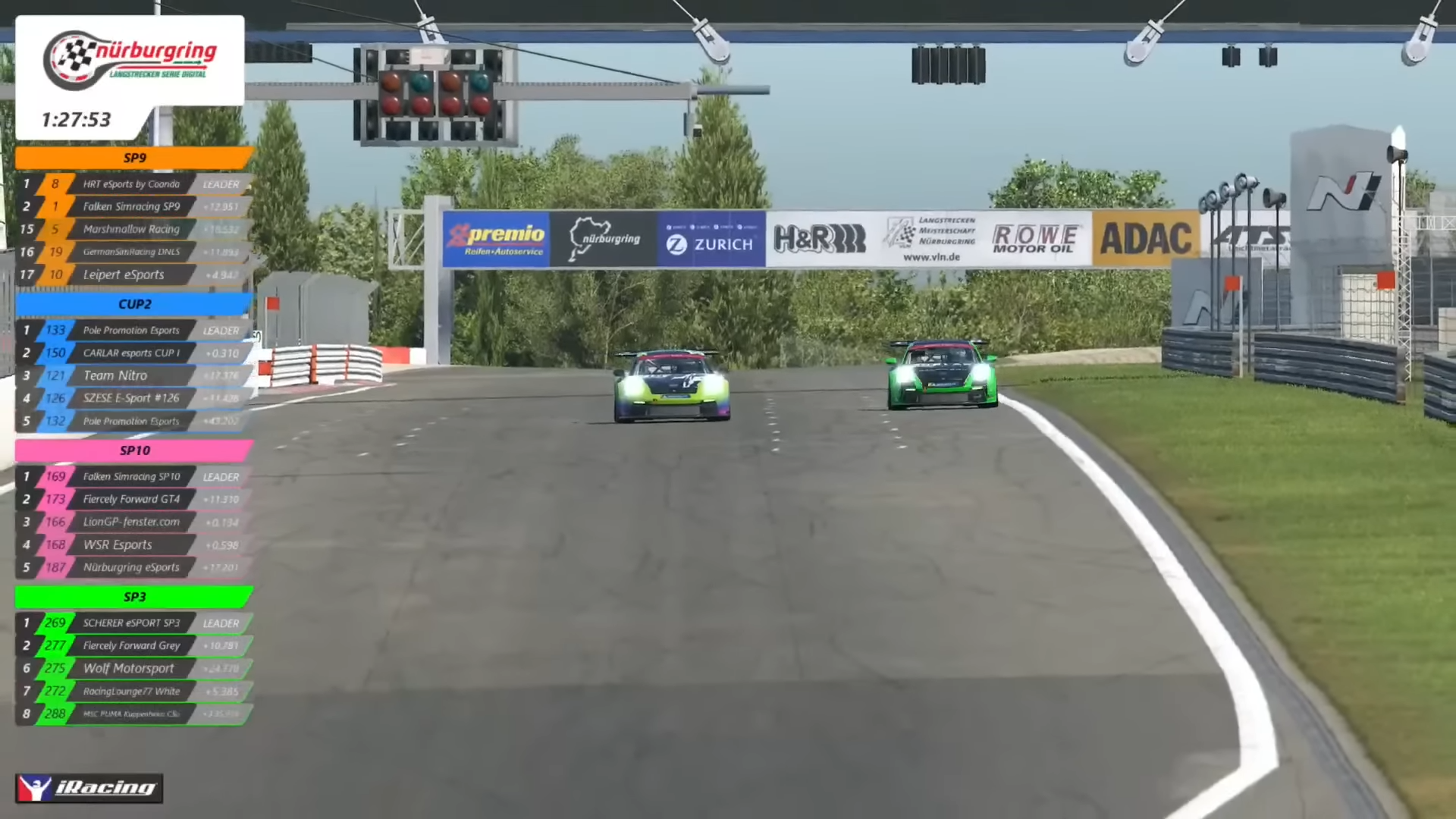
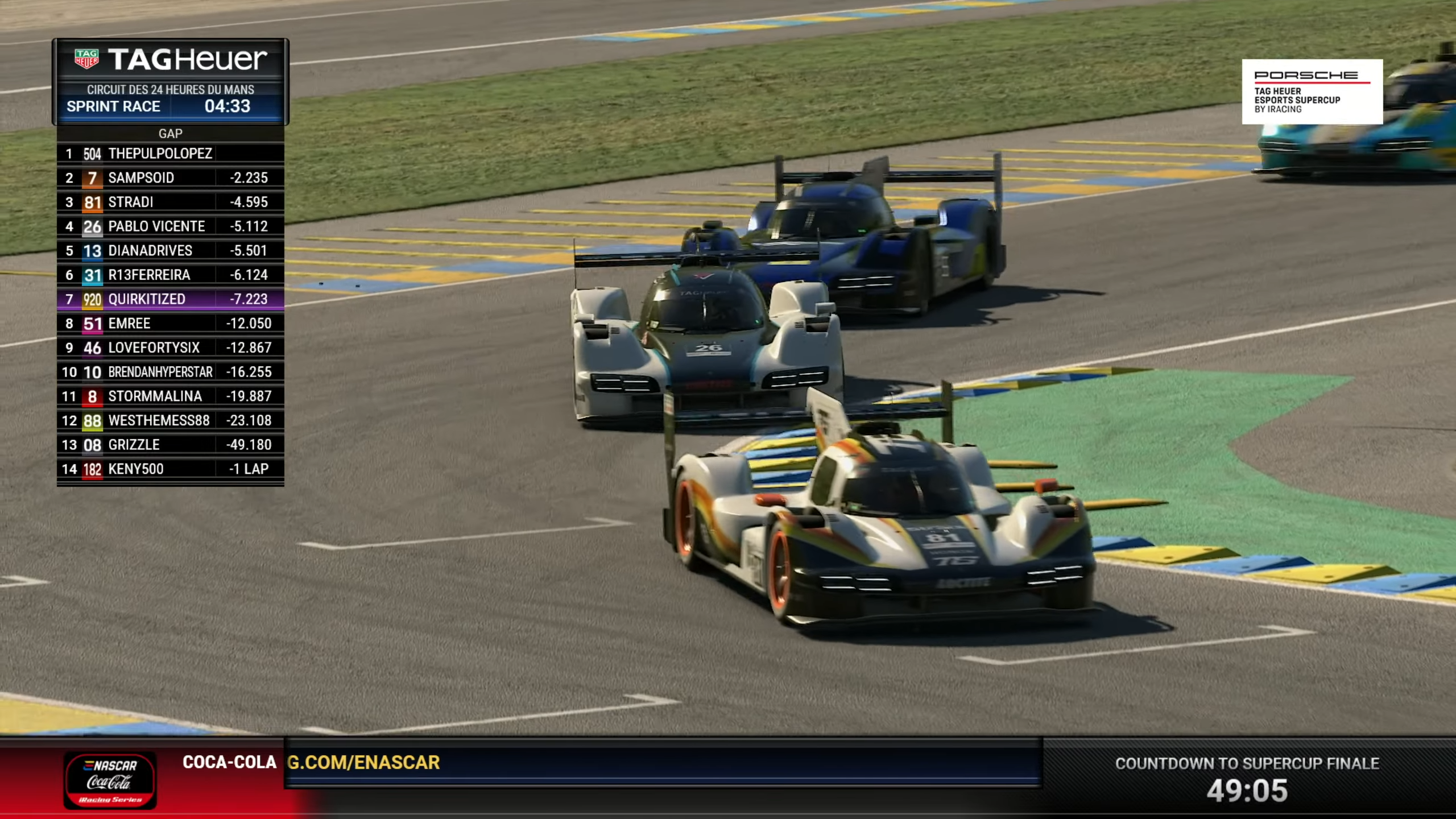
ATVO Theme 2023 is free to download and preview in ATVO. The 10 themes below are bespoke software builds we develop in-house for broadcast partners — W Series, ADAC, iRacing and RaceSpot among them — selective engagements rather than a service we openly take orders for.
Frequently asked.
Still stuck? Our Discord is the fastest place to get a real answer from a real broadcaster.