
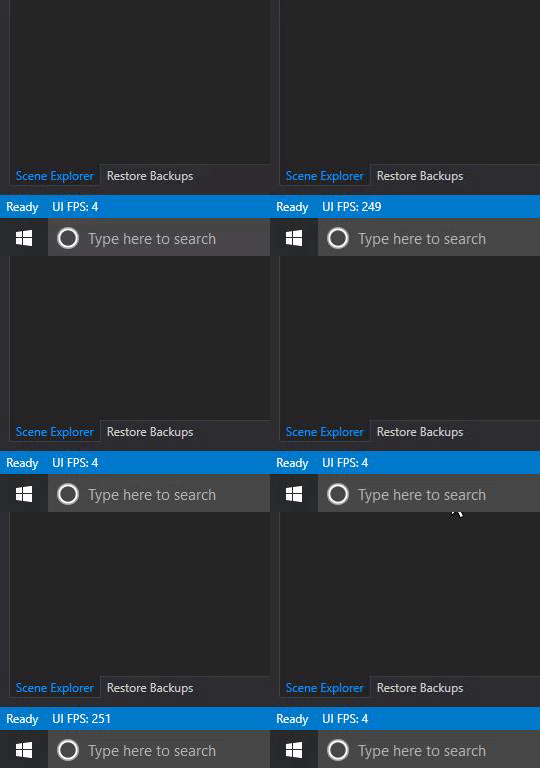
For some reason -- ATVO's editor is jumping up and down from 200ish FPS to 4FPS... Any known problem for this?
For some reason -- ATVO's editor is jumping up and down from 200ish FPS to 4FPS... Any known problem for this?
Do you have a lot of scenes or widgets active
Does it actually feel laggy, are there moving elements or anything that are not updating fast enough?
The FPS shown is derived simply from how many times the editor window requires redrawing. If there is nothing going on, there is no need to redraw and the fps goes low like that.
Jason A. wrote:
Do you have a lot of scenes or widgets active
A lot of widgets are active. How can I disable them temporarily? If I do disable them, will they not work/show on the overlay?
Nick Thissen wrote:
Does it actually feel laggy, are there moving elements or anything that are not updating fast enough?The FPS shown is derived simply from how many times the editor window requires redrawing. If there is nothing going on, there is no need to redraw and the fps goes low like that.
It actually feels laggy. Everything is frozen for a good 2-5 seconds before it actually updates itself.
Consider working with Scenes. Put related widgets into the same scene, and then you can turn off (hide) the scene from the editor.
New replies have moved to Discord.